Video Script Templates
for B2B Videos
The two templates we use on every client video: the three-column AV script that plans it, and the teleprompter copy the presenter reads. Free to copy, with a real script in both formats.
A thank-you video I presented for Verified Investing. Our three-column script format comes from that funnel.

What Is a Video Script Template?
A video script template is a fill-in structure for what is said, what is on screen and when. We use two. The AV script plans the whole video in three columns: time, voice over and visuals. The teleprompter copy is just the words, laid out for the person reading them. Both assume about 140 spoken words a minute, so a 60-second video is about 140 words.
What to Include in a Video Script
Our AV script is filled in this order. The first block is the one most templates skip, and it is the one that decides whether the video works.
| Part | What goes in it |
|---|---|
| The approach | Two to four sentences on what most videos like this get wrong, the three things that make yours different, the goal with the number it should move, and the audience in one sentence. |
| Script A | The main version. Beats in order: hook, problem, agitate, solution, proof, call to action. |
| Script B | A shorter cut for ads, with the call to action as a swappable slot. |
| End cards | Three calls to action, each an exact instruction, swapped by where the video runs. |
| Swap-in lines | Alternate hooks and angles to test later. |
| Production notes | Background and wardrobe, graphics and music, plus a reference look. |
| Before we film | Sign-off, on-screen facts to confirm and the assets still needed. Flag any stat you have not verified. |
The AV Script Template
Copy this table into a doc, keep the three columns, and replace each row with your own lines. Times assume a 60-second Script A at about 140 words. Download the full AV template, including the approach block, Script B, end cards and production notes.
| Time | Voice over | Visuals |
|---|---|---|
| 0:00 to 0:08 | Hook. The strongest line you have, spoken. No greeting first. | What is on screen. Say whether the presenter is on camera or a graphic is. |
| 0:08 to 0:20 | Problem. The situation your buyer is in, in their words. | Presenter on camera, or a visual of the problem. |
| 0:20 to 0:30 | Agitate. What the problem costs them if nothing changes. | Supporting graphic or b-roll. It backs the words, never replaces them. |
| 0:30 to 0:45 | Solution. Your answer, in plain words, one idea per row. | A product shot or screen graphic for each point. |
| 0:45 to 0:52 | Proof. One real result with a client name or a number. | The proof on screen, as a logo or the number itself. |
| 0:52 to 1:00 | Call to action. One exact action. | End card: logo, one line, URL. |
End cards. Write three, one per placement, and match the verb to where it runs: "click the link below" in the feed, "visit the site" on a website, "sign up" on search.
The Teleprompter Script Template
The presenter never reads the AV script. They read this: the words only, laid out so the eye never hunts for the next line.
Title, then word count. Company and video title on the first line, the word count on the second.
Verbatim. The approved words exactly, with stage directions and visual notes stripped out.
Short chunks. One or two lines per chunk, with a blank line between chunks.
Digits and sounds. Numbers stay as digits. Hard words get their pronunciation in brackets right after them.
Label the options. If you are testing hooks or calls to action, list each one as Hook 1, Hook 2, CTA 1 and so on.
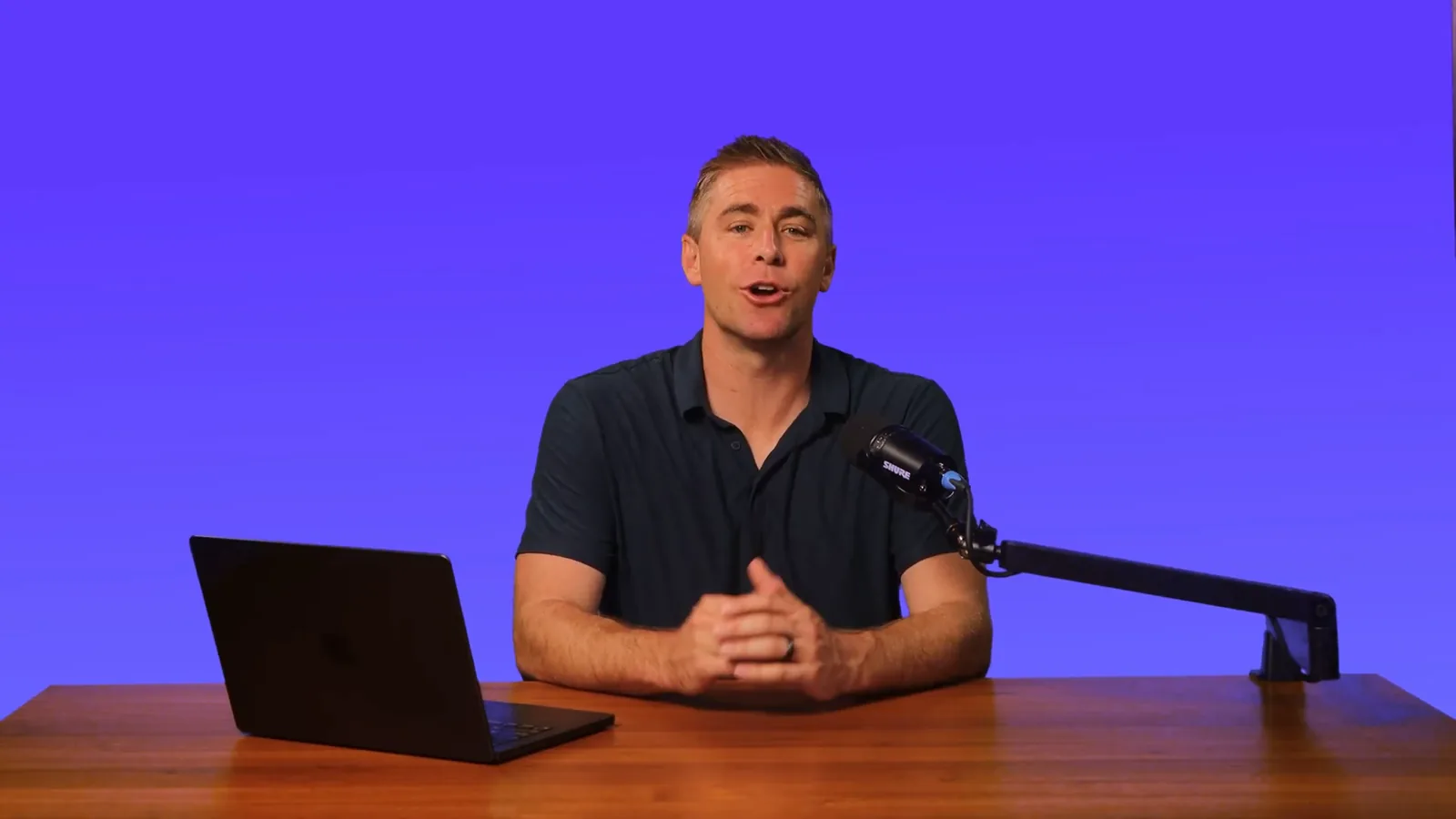
Here is the Suite Solutions ad below, as the presenter would read it:
Suite Solutions Group - NetSuite Ad
141 words

The world of business changes daily.

It’s time for an ERP that evolves with it.

With Suite Solutions Group,
we are bringing you a more efficient,

scalable, and integrated business management
solution, one that future proofs your business

and optimizes every aspect of your operations.

The number one cloud based ERP,
NetSuite.

Now, we love NetSuite,
and we’re offering free implementation for

your businesses.

That’s right, free.

Now, before you start breaking out the champagne,
NetSuite itself isn’t free,

but we do guarantee unbeatable pricing.

This all in one powerhouse software includes
knock your socks off analytics that you

can access anytime,
anywhere, fully customizable to your business

needs, and made to streamline your operations.

We’ll create a completely customized ecosystem
for your business.

Schedule a demo with our team today and
explore the untapped potential for your

business with NetSuite.
What Does a Video Script Look Like?
A real script: the NetSuite ad I presented for Suite Solutions Group, laid out in the AV format. The voice over is word for word, and the visuals are what is on screen in the finished video. It runs 59 seconds and 141 words. Watch it with the transcript.
| Time | Beat | Voice over | Visuals |
|---|---|---|---|
| 0:00 | Hook and problem | The world of business changes daily. It’s time for an ERP that evolves with it. With Suite Solutions Group, we are bringing you a more efficient, scalable, and integrated business management solution, one that future proofs your business and optimizes every aspect of your operations. The number one cloud based ERP, NetSuite. | Eric on camera against the navy brand background, then icon cards for each benefit and kinetic text: "Optimizes every aspect of your operations." |
| 0:16 | Solution and offer | Now, we love NetSuite, and we’re offering free implementation for your businesses. That’s right, free. Now, before you start breaking out the champagne, NetSuite itself isn’t free, but we do guarantee unbeatable pricing. | Champagne glasses clinking on the champagne line, then a 3D tablet graphic. |
| 0:33 | Proof of value | This all in one powerhouse software includes knock your socks off analytics that you can access anytime, anywhere, fully customizable to your business needs, and made to streamline your operations. We’ll create a completely customized ecosystem for your business. | A team reviewing analytics on a laptop, then a motion graphic of connected screens. |
| Last line | Call to action | Schedule a demo with our team today and explore the untapped potential for your business with NetSuite. | Eric back on camera with "Schedule a demo" on screen, then the end card: Suite Solutions Group logo and "Click the link below." |
How to Format a Video Script
| Rule | Why |
|---|---|
| Voice over on the left, visuals on the right | The words drive everything else, so they come first. |
| One idea per row | Each row covers about 5 to 20 seconds. If a row needs two ideas, split it. |
| Time from the word count | At about 140 words a minute, a 20-word row is roughly 9 seconds. |
| Visuals back up the words | They never carry the message alone, and the presenter stays on screen for most of it. |
| Mark the hard words | Product names and jargon get pronunciation notes. GoMage sent theirs with every script. |
How to Write a Script for a Spokesperson Video
Spend your time on the message. Clients worry about the background and the wardrobe, but what makes or breaks a video is the script: the goal it has to hit and who it is for. That is why both sit in the approach block, above the first line of the script.
Then write the way a person talks. Use contractions, short sentences and the words your buyers use. Read every line out loud; if you run out of breath, the sentence is too long. A good presenter can deliver a script cold, but only if it was written for the ear in the first place.
Need a presenter to read it? See the video spokesperson service, or hire your own with the spokesperson hiring playbook.
Turn Your Template Into a Draft
Got a blank page? The free AI script prompts turn a brief into a first draft for these templates, and every VideoRep option includes a free script review before filming. See how pricing works, or browse the rest of our free resources, including the demo video checklist.
Video Script Questions, Answered
How many words fit in a 60-second video script?
About 140 spoken words. That is the pace we script to, and it holds up on camera: the Suite Solutions ad on this page is 141 words in 59 seconds.
What is the difference between an AV script and a teleprompter script?
The AV script is the plan: time, what is said and what is on screen, for everyone who works on the video. The teleprompter copy is only the words, cut into short chunks for the person reading them.
What should every B2B video script include?
The beats in the AV template: a hook, the problem and what it costs them, your solution, proof and one call to action. Plus the goal and the audience written above the script, so every line can be checked against them.
Can AI write my video script?
AI helps us make the video. It never stands in for the person in it. It speeds up scripting and editing, and a human checks every step. The free script prompts give you a first draft to drop into these templates.
Will you review my script?
Yes. Every VideoRep option includes a free script review before filming, whether you send a finished script or a rough draft.
Can I download the templates?
Yes. The AV script template and the teleprompter template are plain text, ready to paste into Google Docs or Word.
Want Someone to Read It on Camera?
Send the script you wrote from these templates. I'll review it for free and tell you how I would film it.