WWebsite
The site demo
60 to 90 seconds on the homepage or product page. One job: make a visitor understand what this is, fast enough that they keep reading.
- 60 to 90 seconds
- Presenter plus screen capture
- Captioned for sound-off autoplay
Product demo video production for SaaS, with a real presenter guiding the screen. A screen recording shows what your product does. A person tells the buyer why the next click matters. Nobody on your team goes on camera. Demos sit inside our product videos; for the bigger story, see explainer videos.
Trusted by teams at







The default demo is a screen capture with a voiceover, walking the menus in order. It's accurate. It persuades nobody. It answers "what does this do?" when the buyer is asking "is this worth changing how we work?"
A demo that sells follows one job the buyer needs done. It starts in the problem, uses only the screens that solve it, and skips the rest. Most of your product won't appear. That's correct.
Put a presenter beside the capture and it stops being documentation. Someone is guiding you, choosing what matters and standing behind the claim.
Same product, three very different jobs.
60 to 90 seconds on the homepage or product page. One job: make a visitor understand what this is, fast enough that they keep reading.
Longer, sent by a rep or embedded in a proposal. It handles the objections from real calls, in the order they come up, so your rep stops repeating themselves.
After the sale. Fewer support tickets, faster time to value. It doesn't need to sell anything, which changes the whole tone.
People watch a demo to decide something. Is this credible? Does it fit how we work? Will I look smart recommending it? Feature coverage rarely decides it, yet it's where most demos spend their runtime.
So the best thing a demo can do is make the product look easy. Watching someone finish the task answers the real question. A feature list only hints at it.
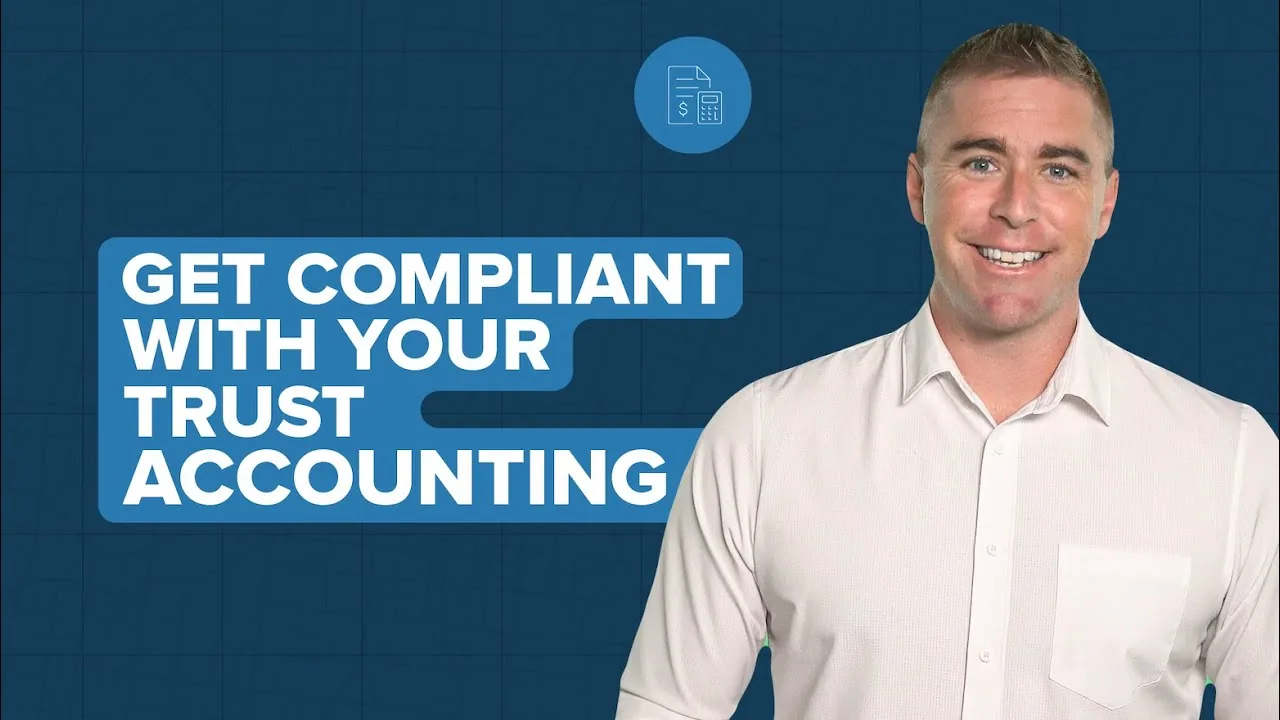
GraphLinq's users were at risk of bouncing out of onboarding on Web3 jargon. We built three tutorials from GraphLinq's own screen captures, and I walked users through each step. The three took the #1, #2 and #3 view spots of all 16 uploads in the channel's 12-month window, at 5.7x to 7.1x the channel median.
Every figure below is from the client's own case study page.
Three onboarding tutorials built from GraphLinq's screen captures: ERC404, swaps and ERC20.
"You are professional, and your experience and skills are the biggest benefit for us."
Taras Korostylov, CMO, GraphLinq
A recurring presenter slot for Buildium's YouTube channel. Explainers filmed to their script and guidelines, files back in 1 to 3 days.
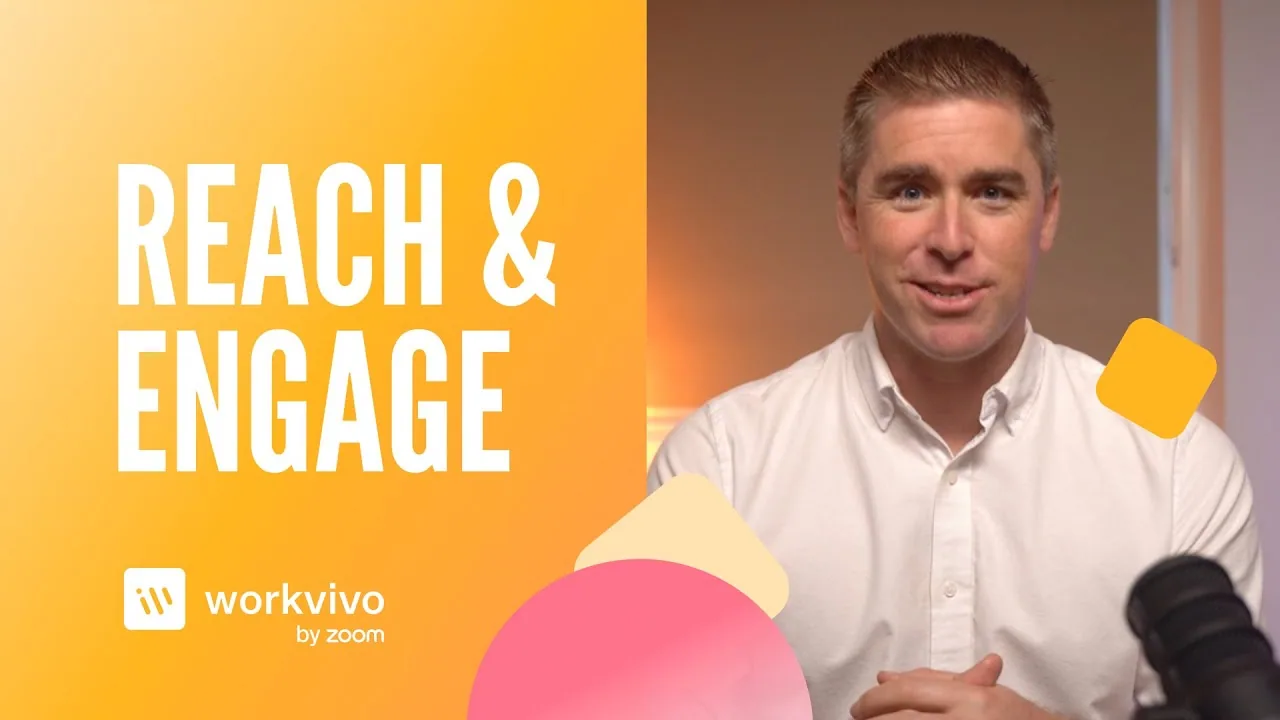
One presenter on call for three years, from a "How Workvivo Works" video to a live Meta lead-gen ad.
"Eric is a pleasure to deal with. His standard of work is always extremely high, and his turnaround times are amazing as well. Couldn't recommend Eric any higher."
Kieran W., Workvivo by Zoom
One question starts every project: what number is this video supposed to move? Then we pick the single task the demo follows end to end. The narrower, the better.
Our writers script against that job and list the exact screens to capture. You approve before anything is filmed.
I learn the product, then film in studio. Your product gets captured cleanly. Several demos? We batch them in one session.
Edited, captioned and chaptered. Two revision rounds included, and we rework until it matches the brief you approved.
Most demos run long for political reasons. Every team wants its feature in, the runtime grows, and the video ends up serving the org chart instead of the buyer.
A site demo gets 60 to 90 seconds before the visitor moves on. A sales-cycle demo can run longer because the viewer opted in. Even there, chapters beat completeness.
Two capture decisions matter more than the script. First, fill the sandbox with realistic data. Three records and a placeholder name read as a product nobody uses. Second, cut the dead motion between clicks. Viewers don't need every click. They need to believe the task got done.
The test: if a feature doesn't help the viewer finish the job, it belongs in a separate video. Three focused demos beat one tour.
Not ready for a call?
Everything to settle before you film a demo. Free, no call required.
Usually me, Eric Presnall. VideoRep is built around me as the lead spokesperson. If your category, style or schedule calls for a different face, I cast from a small roster of presenters I trust. Either way, you meet and approve your spokesperson before you sign, and the face is named in the agreement.
Usually, yes. We capture from a sandbox account, or you send recordings and we build around them. A sandbox with realistic data works best. An empty demo environment looks empty on camera.
60 to 90 seconds for a site demo. Longer for a sales-cycle demo where the viewer opted in, but chaptered so they can skip. If your demo runs ten minutes because five teams wanted a feature in, it's serving the org chart, not the buyer.
You can, and it will underperform. Three focused demos that follow three real jobs beat one long tour, because buyers watch to decide something specific, not to learn the interface.
Plan for it. We keep each demo modular, so one section can be recaptured and swapped without reshooting the whole video.
Yes. Scripting is included with every end-to-end video. The hard part is choosing what to leave out, which is easier from outside the company. Already have a script? I'll read it and tell you honestly what I'd cut.
Yes. Cutdowns can come from the same shoot. Workvivo by Zoom went from batch approval to a live Meta lead-gen ad in 9 days.
Tell me the job your buyer is trying to finish. That's the demo.