What Should Be Included in a Product Demo Video?
The problem, the fix, one next step.
It's honestly storytelling. For short demos I use a simple template like PAS: problem, agitate, solve. Show the pain the viewer already feels. Make it sting a little. Then show the product fixing it.
The second thing a demo needs is a goal. A demo points at wherever your call to action goes: a free trial, a booked call, the next feature. That goal decides everything else, including the length.
Here's what doesn't belong. I worked with a founder who wanted his demo to cover every feature, including the UX of the left-hand dashboard and why they built it that way.
“Nobody cares about the reasons. They care about their specific problem.”
In the first 5 to 10 seconds, a viewer wants to know two things. Is this easy to understand? And does it answer my problem? The demo doesn't have to be pretty. But the navigation has to be easy to follow, to their problem and then to the next one.
So the number one mistake in a founder demo is the feature list plus the inspiration story. Cut both.
6 Types of Demo Video, and When to Use Each
Match the type to the funnel stage.
There are a lot of ways to slice this. Consensus, a demo software company, says it researched thousands of demos and identified 6 different types. Supademo lists six types of product demo, from interactive demos and sandboxes to AI demo agents. Both are worth reading. Both are vendors, and Supademo's list leans toward interactive and live formats.
Our map is about recorded video, made once and sent many times, instead of done live on a call. These are the six we make.
| Type | Its one job | Length | Where it lives |
|---|---|---|---|
| Product tour | Show the whole product, fast | Quick, about 2 minutes | Homepage, top of funnel |
| Feature demo | One feature, one thing | 30 to 60 seconds | Feature pages, sales follow-ups |
| Sales demo | Answer the prospect's question before the call | Short and sweet, about 2 minutes | Sent before the sales call |
| Onboarding demo | Get a new user to their first win | 3 to 5 minutes | Inside the product, welcome emails |
| Full-length demo | Walk a serious buyer through everything | Under 10 minutes | On request, late stage |
| What's new update | Show a change to the product | Short, just the change | Changelog, email, social |
A product with 10 features may need 10 feature demos, one per feature. That's fine. Each one answers one question.
For onboarding, keep the first video short. Let people get to the longer version later, once they've had a win.
How to Make a Product Demo Video, Step by Step
Seven steps, from problem to publish.
- Pick one viewer and one problem. Not "marketers." One person with one pain.
- Pick the next step. Where does the call to action go? That sets the type and the length.
- Write it as a story. Problem, agitate, solve. Then the next step.
- Script the first 10 seconds word for word. More on that below.
- Record the screen. One clean take per step.
- Record the person. On camera, or at least a presenter bubble over the screen.
- Edit, then host it somewhere you can swap the file. So a product update doesn't break your links.
- One viewer, one problem. You can name both in a sentence.
- The first 10 seconds say what the video covers. The problem, the outcome, and what they’ll see.
- No feature list, no origin story. Every section solves the viewer’s problem or it goes.
- The length fits the type. About 60 seconds for a feature, about 2 minutes for the core story.
- A real person guides it. On camera or in a presenter bubble over the screen.
- One next step. The trial, the call, or the next feature. Not three.
- It’s hosted where you can swap the file. A UI change becomes a new screen grab, not a new link.
If you want the full pre-publish list, our free SaaS demo video checklist has 16 checks.
How Do You Record a Demo Video?
Screen first, then the person.
Record the screen flow on its own, step by step, at full resolution. Then record the presenter. Editing them together later gives you room to tighten the pacing and swap a screen without reshooting the person.
We wrote up exactly how we ask clients to capture their screens: How to Record Your Screen for VideoRep (a free PDF). It works whether or not you ever hire us.
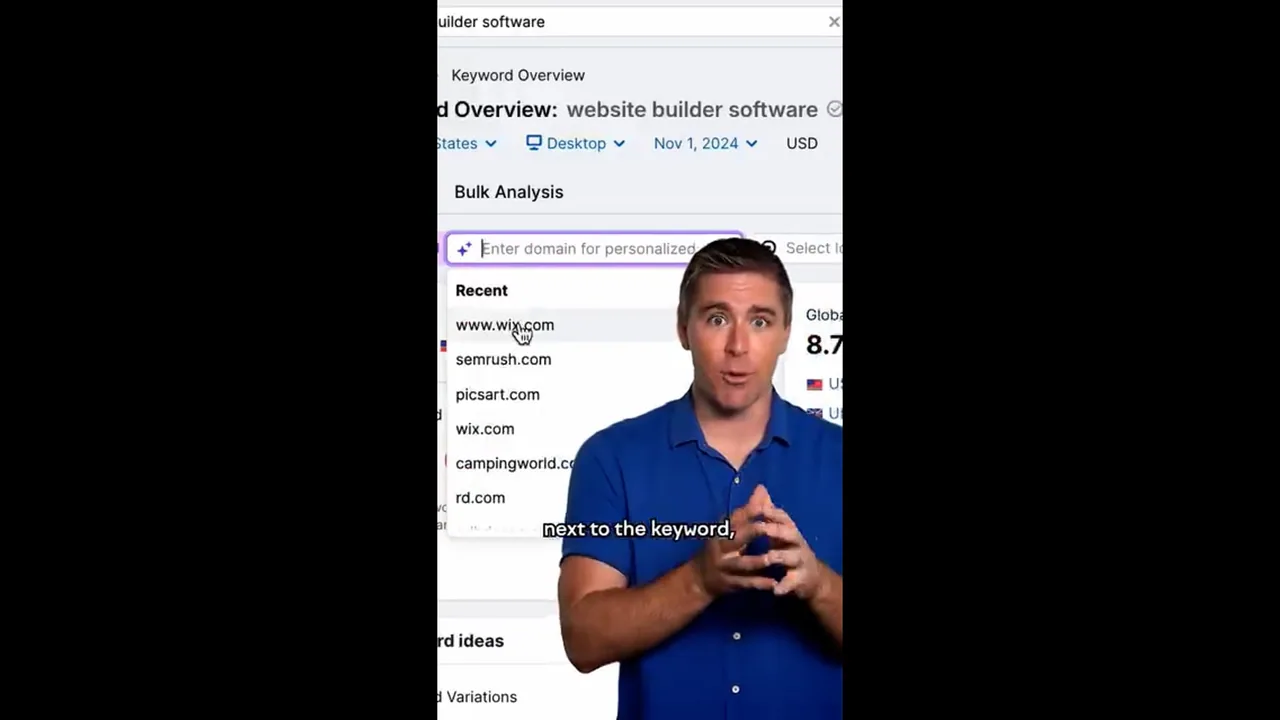
For the recording and editing itself, I use Tella.
Tella is probably the most responsive, best video editing platform I’ve found to make a demo, and the team has been incredible to work with. Thanks to Tella and its co-founder Grant Shaddick.
I use Tella and have an affiliate link with them. If you sign up through it, I may earn a small commission.
AI is useful here too, for editing and clipping. But a real person stays on screen. A narrated screen recording with no human in it is the easiest demo to make and the easiest to ignore.
What Should the First 10 Seconds of a Demo Say?
That they're in the right place.
Treat it like a YouTube hook. "In this video, I'm going to go through X. For those that don't know me..." Then a short intro and straight into it.
In those first 10 seconds the viewer needs three things: the problem, the outcome and, most of all, what this video covers. Supademo, which analyzed thousands of interactive demos made on its platform, gives the same advice: open with a clear problem your audience already recognizes.
Supademo's own list of favorite demos includes Linear, whose video, in their words, "starts by addressing a common problem: slow project management tools." Problem first. Product second.
How Long Should a Product Demo Video Be?
Usually 60 seconds to 2 minutes.
Here's how I'd set it by type:
- Feature demo: about 60 seconds, 30 at the shortest.
- Core demo story: about 2 minutes.
- Onboarding: 3 to 5 minutes.
- Full-length demo: aim for under 10. Some run up to 20, but I don't recommend it outside specific uses.
Supademo lands in a similar place. Its guide says a good SaaS demo video runs 60 to 90 seconds, with a maximum of 3 minutes. For complex products, a bit longer is fine.
Length follows the goal. A 60-second feature demo and a 9-minute walkthrough can both be right. They just do different jobs at different stages.
Who Should Present Your Demo: The Founder or a Presenter?
The founder, if they can.
The founder should always present the demo when possible. They have the most knowledge, the most passion, and they're closest to how the product was built. The CEO or the head of product is also a great choice.
A presenter comes in when nobody on the team is comfortable on camera, or nobody has the time. That's where we come in, and it's the same stance I take on spokesperson video: the founder where possible, a presenter for volume or when the founder can't.
There's a third option I like. Have your head of sales record short feature walkthroughs. When an inquiry comes in about one feature, sales sends that video ahead of the call.
And to be honest: if the flow is simple and short, a plain screen recording is enough. You don't need a presenter for a one-click feature. You need one when the step is hard and the user needs someone to trust.
How Do You Make a Demo Video of Your Website?
The same way you demo an app.
You can demo anything. You can demo a Word document. A website demo has the same job as a software demo: answer the visitor's question, or solve their pain, in the least time.
That means simple messaging, simple visuals, and a clear walkthrough of what their experience will be. Show the page they'll land on, the thing they'll click, and what happens next. Skip the tour of your menu.
How Do You Keep a Demo Working After the Product Changes?
Plan the swaps before you film.
UIs change. A demo shouldn't die when they do. With a strategic production partner, a UI change is a voiceover pickup plus a new screen grab, and nothing else changes. The partner already has the project files, so it's a swap and a pickup. That's something we specialize in at VideoRep, with our partners.
Two more ways to protect it:
- Host it on a player that lets you replace the file. The URL and every embed keep their traction.
- Be open about the change. A short "what's new" update video goes a long way, and it can be cut as its own piece.
A demo built around one task lasts. GraphLinq, a no-code blockchain platform, still runs our tutorial "Create and deploy your ERC404 token on GraphLinq in under 2 mins" in the video tutorials section of its homepage (checked 16 November 2026).
Why does it still work? One task, under 2 minutes, and the outcome in the title. In GraphLinq's 12-month window it was the most-watched of the channel's 16 uploads, at 7.1x the channel median. The full story is in the GraphLinq case study. If you want a series like it, see product demo video production.
Want a Dedicated Video Spokesperson?
We'll look at the videos you need, and you'll get a quote within 24 hours.
Book a Call Free 30-minute call.FAQ
What is a demo video?
How long should a SaaS demo video be?
What is the biggest mistake in a product demo video?
Should the founder present the product demo?
Do I need a presenter, or is a screen recording enough?
How do I update a demo video when the UI changes?

- Supademo, “The Ultimate SaaS Product Demo Video Guide” (Hiba Fathima, 17 Mar 2025): length guidance, opening with a problem, and the Linear example. See supademo.com.
- Supademo, “Product demos: What they are, Types, and How to Create One”: six product demo types. See supademo.com.
- Consensus, “The Definitive Guide to the 6 Demo Types” (17 Oct 2025). See goconsensus.com.
- Tella, company page and founders. See ycombinator.com.
- GraphLinq homepage, video tutorials section, checked 16 Nov 2026. See graphlinq.io.
- Client work: the GraphLinq case study (YouTube figures updated 25 August 2026).